While I don’t have a fancy degree, I’ve always considered myself a tech-savvy guy. I love tech just as much as I love my workshop tools. Whether it is a small engine or a motherboard, I enjoy seeing how things work. In the past, I have even taken down and successfully reassembled a few computers. As a matter of fact, if it wasn’t for technology, I wouldn’t be able to create or share my content.
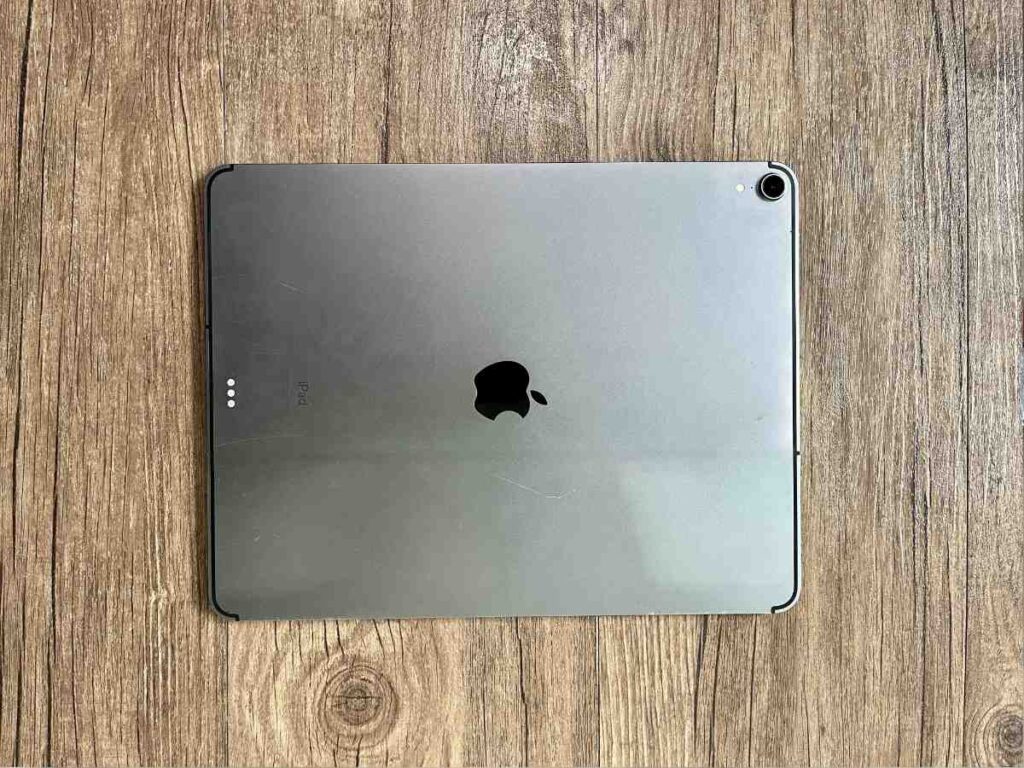
When I’m out on the road or at a campsite, my tool of choice is my 3rd Generation iPad Pro 12.9. This tablet originally hit the shelves back in 2018, yet here we are in 2026, and it is still my primary travel companion. I chose this over a traditional laptop because it is lighter, more portable, and ready for the rigors of travel. It is reliable and gets the job done, much like my old 2005 Ford Ranger. I actually had to retire the Ranger recently after a crash (rest in peace to a legend), but this iPad is still going strong.
Why the 3rd Gen iPad Pro?
The big question is: why keep a device from 2018 in 2026? For me, it comes down to the balance of power and price. I purchased this unit used for $564 on eBay a few years back. Today, prices on Amazon and eBay seem to hover around that same mark, which shows just how well this specific model holds its value.
It was the first iPad Pro to ditch the home button and move to the modern, thin-bezel design we see today. It also introduced USB-C to the iPad lineup, which is a massive win for travelers. I can use the same cables for my camera, my phone, and my tablet.
Real-World Performance in 2026
I’m typing this very article on the iPad right now. For someone looking for a budget-friendly entry into the Apple ecosystem that still performs basic tasks well, this is it. Since I purchased it in 2022, the performance hasn’t noticeably dipped. It is significantly faster than the 2nd Gen model I upgraded from, and it handles my daily workflow without breaking a sweat.
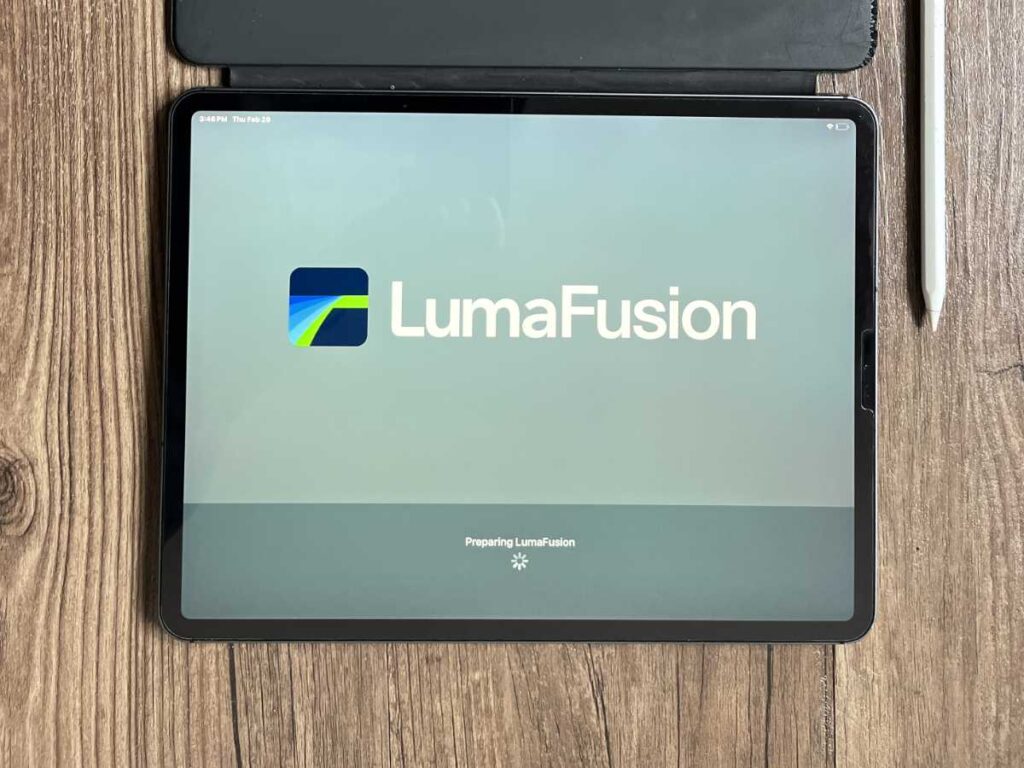
Here are the specific apps I run daily to keep my channel and blog moving:
- LumaFusion: This is my primary video editor. Even with 4K footage from my outdoor gear reviews, the A12X chip handles the timeline surprisingly well.
- Affinity Photo: When I need to edit high-resolution images for the blog or create YouTube thumbnails, this is my go-to. It feels as robust as a desktop app.
- YouTube: Essential for watching references and managing my own uploads.
- Safari: For all my online research and WordPress management.
If you are a heavy-duty user doing 3D rendering or massive 8K video projects, you might feel the age. But for the average creator or traveler, it is still a powerhouse.
Portability and Build Quality
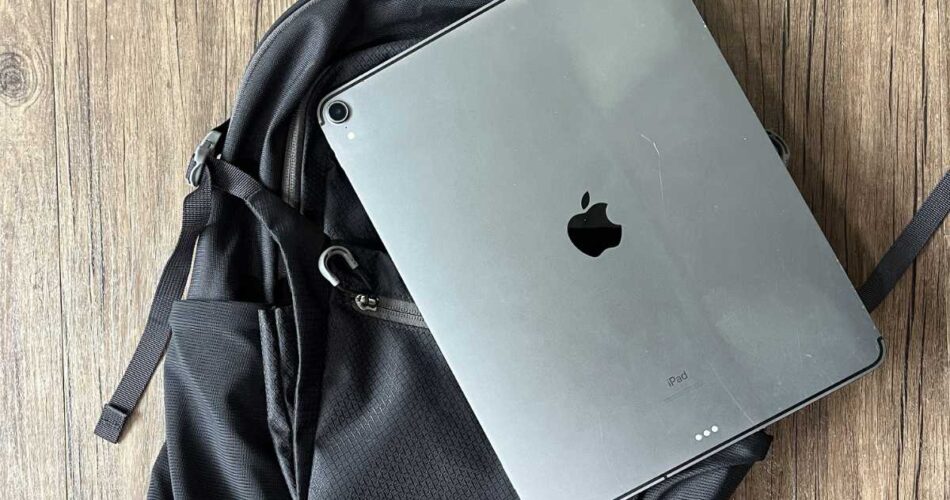
The 12.9-inch screen is the “Goldilocks” size for me. It’s large enough to see detail in video edits but slim enough to slide into the laptop sleeve of my backpack.
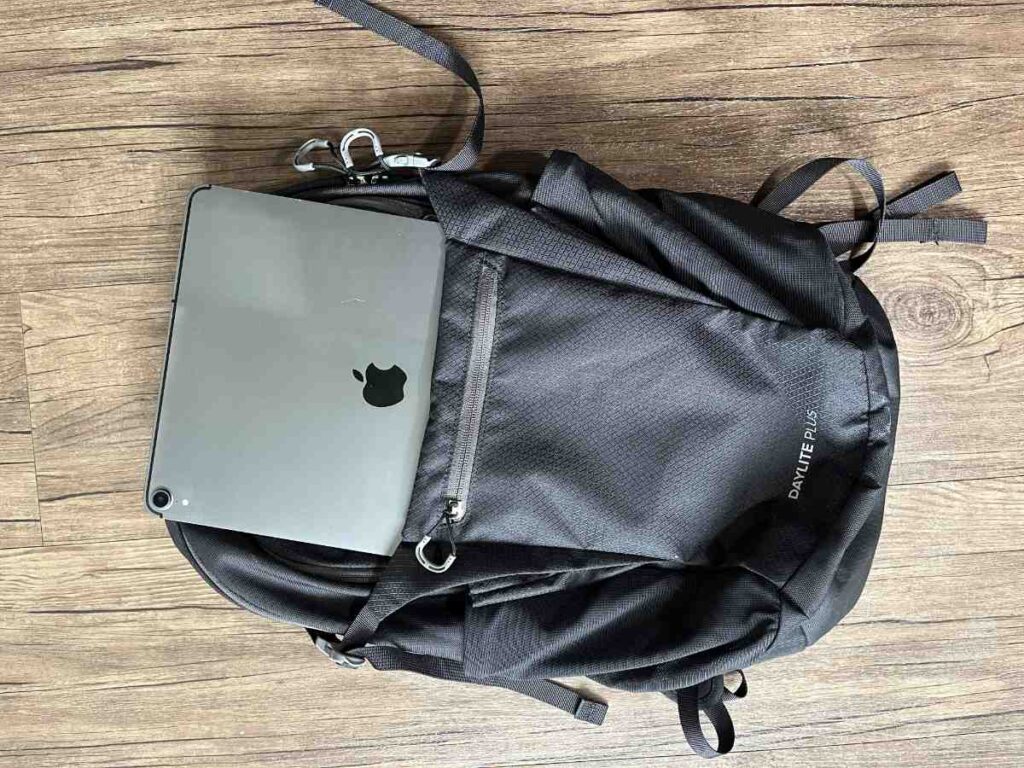
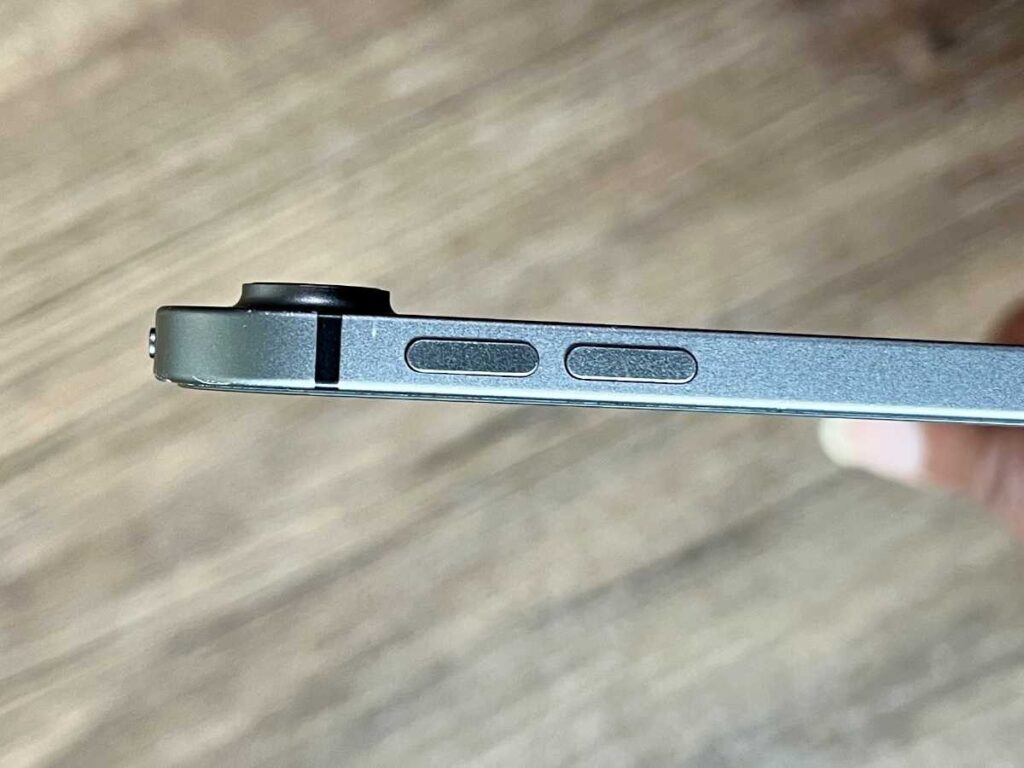
In the photo above, you can see how it fits perfectly with my Osprey Daylite Plus. When you are hiking or moving between airports, every ounce matters. The aluminum chassis has held up well, though you can see some “character” marks on the corners of mine. It’s a tool, not a trophy, and it’s built to be used.
Technical Specifications (Model MTJ02LL/A)
For those who like the nitty-gritty details, here is what is under the hood of my specific unit:
Feature Specification Model Number MTJ02LL/A Storage Capacity 256 GB Current OS iPadOS 26.4 Display 12.9-inch Liquid Retina (ProMotion 120Hz) Processor A12X Bionic Charging Port USB-C
One thing to note is that because this is a 2018 model, it likely won’t support iPadOS updates forever. We are on version 26.4 now, and I suspect we are nearing the end of the road for official software support.
The Accessories: Making it a Pro Tool
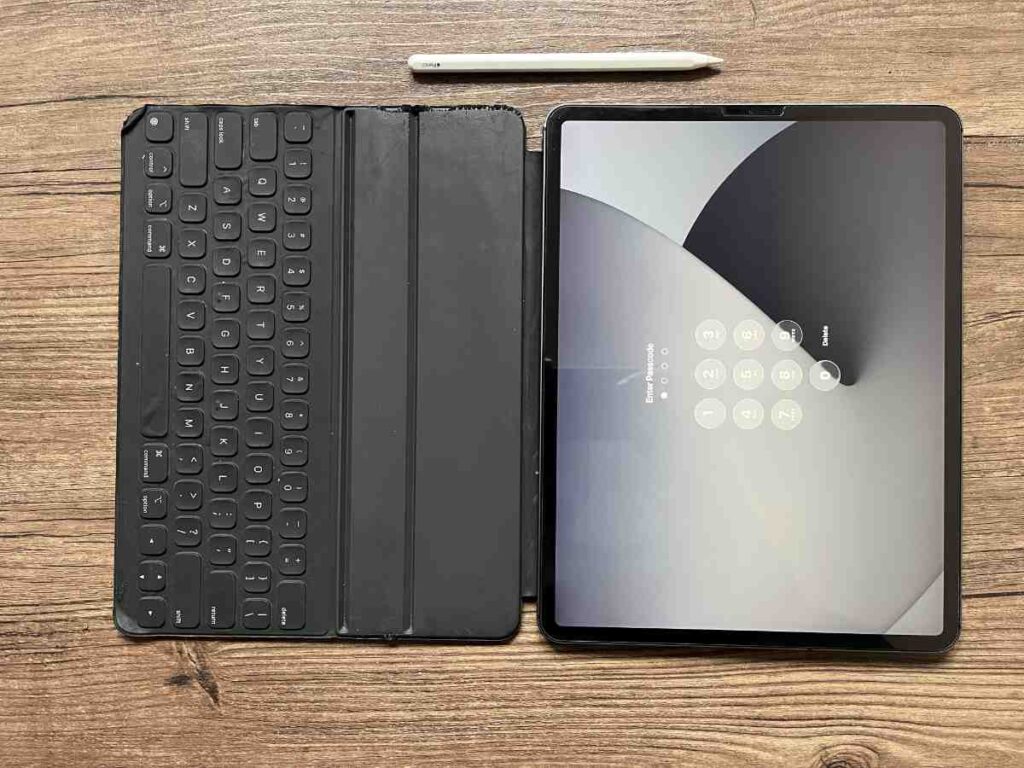
A tablet is just a screen until you add the right tools. I pair mine with the Apple Smart Keyboard Folio and the 2nd Gen Apple Pencil.
The keyboard folio is great because it doesn’t require charging or Bluetooth pairing. It just snaps on and works. It’s thin enough that it doesn’t add bulk to my travel bag. The Apple Pencil is a must for me when I’m doing fine detail work in Affinity Photo and streamlining my creative workflow..
Where it Falls Short: The Camera
I’ll be the first to tell you that this iPad isn’t perfect. If you are someone who likes to use their iPad as their primary camera, you will be disappointed.
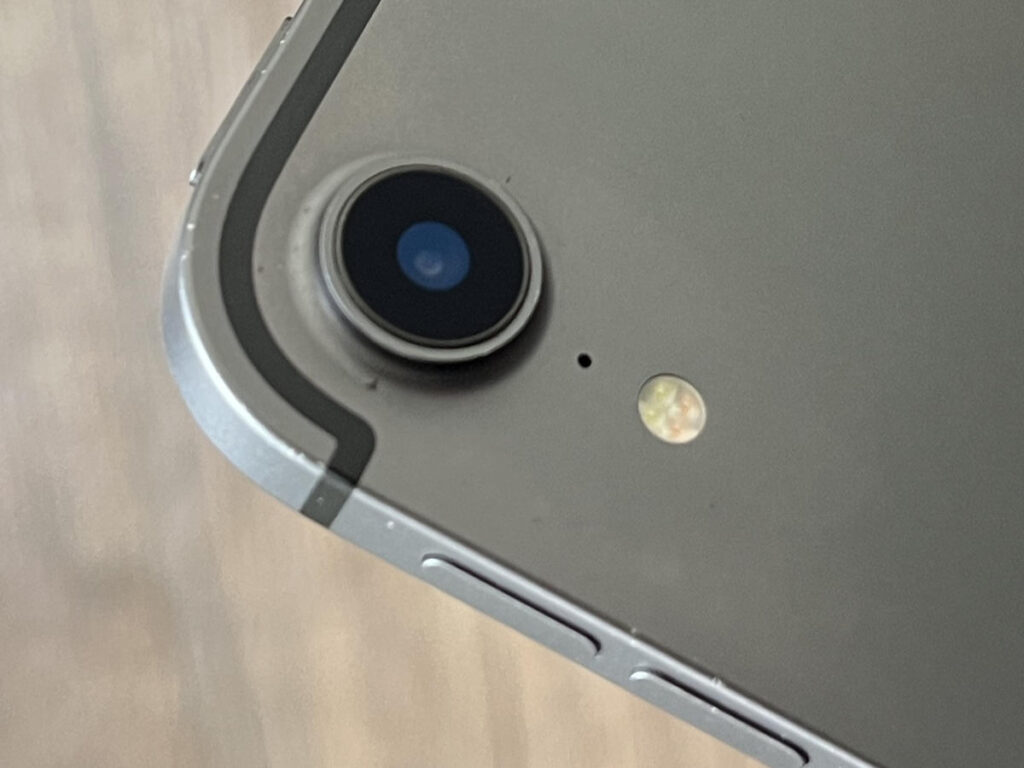
The rear camera leaves a lot to be desired compared to modern iPhones. It’s fine for scanning documents or a quick reference shot of a small engine part, but I wouldn’t use it for my “A-roll” video. The single lens doesn’t have the depth or dynamic range of newer sensors. Stick to your phone for the photos and use the iPad for the heavy lifting of editing.
Final Verdict: Should You Buy One?
Is the iPad Pro 12.9 (3rd Gen) worth it in 2026? It depends on your budget.
I personally believe it is a fantastic value if you can find it for about half of what I paid ($564). If you can snag a 256GB model for under $300, it’s a steal for the screen quality alone. However, if you have a bit more room in your budget, I would recommend going one generation higher (to the 4th Gen or the M1 models). We are getting close to the end of the line for iPadOS support on this 3rd Gen chip.
For me, it remains a reliable, “Ford Ranger” style device. It isn’t the newest, and it isn’t the flashiest, but it gets me from point A to point B every single time I travel. It allows me to stay productive while following my passion for the outdoors and DIY.